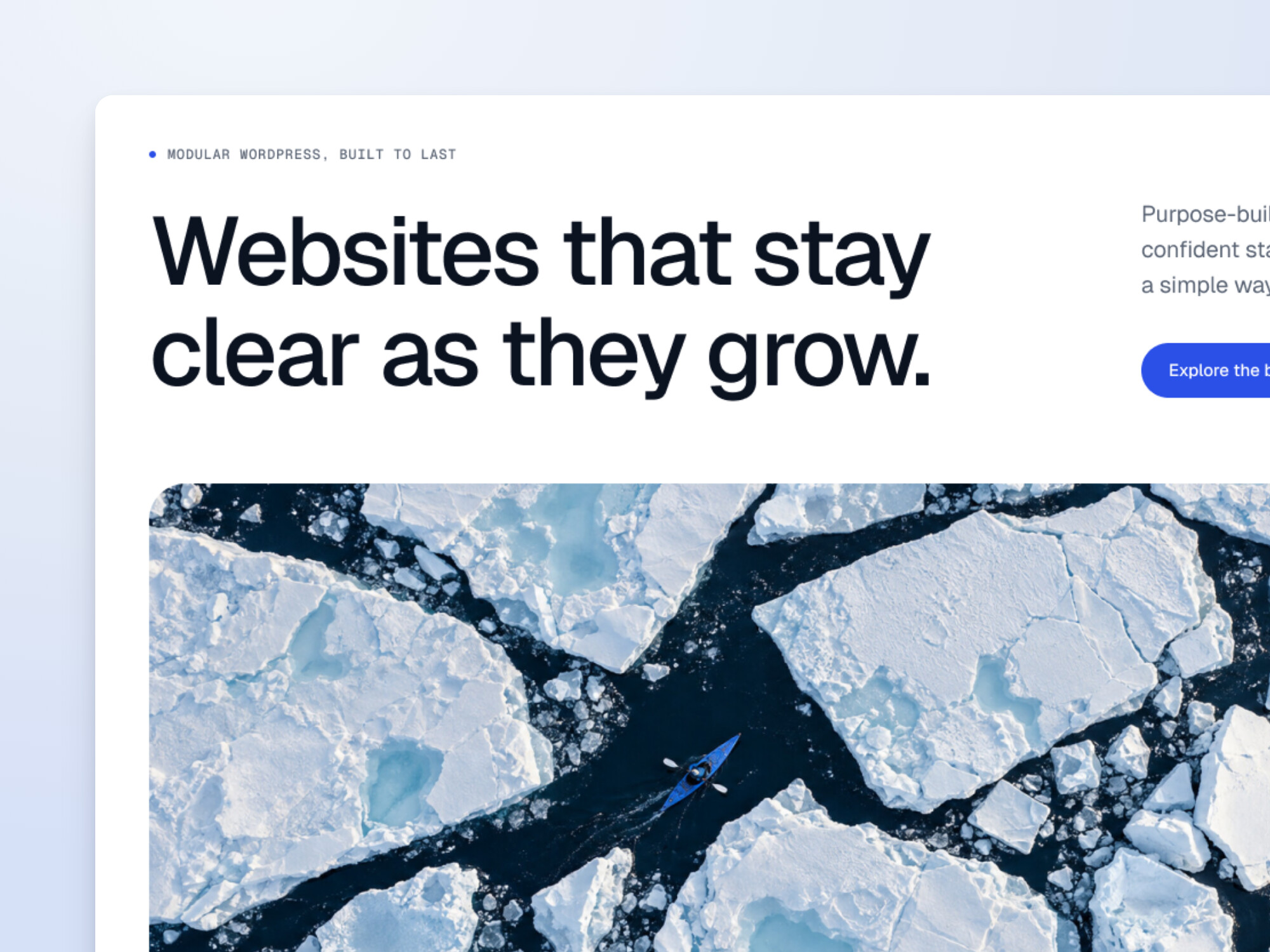
Home Banner
A bold headline, one or two actions and full-width imagery or video. The first thing visitors see, done properly.

Openings
Banners set the tone the moment a page loads, and a sticky bar helps visitors find their way around longer pages.
A bold headline, one or two actions and full-width imagery or video. The first thing visitors see, done properly.
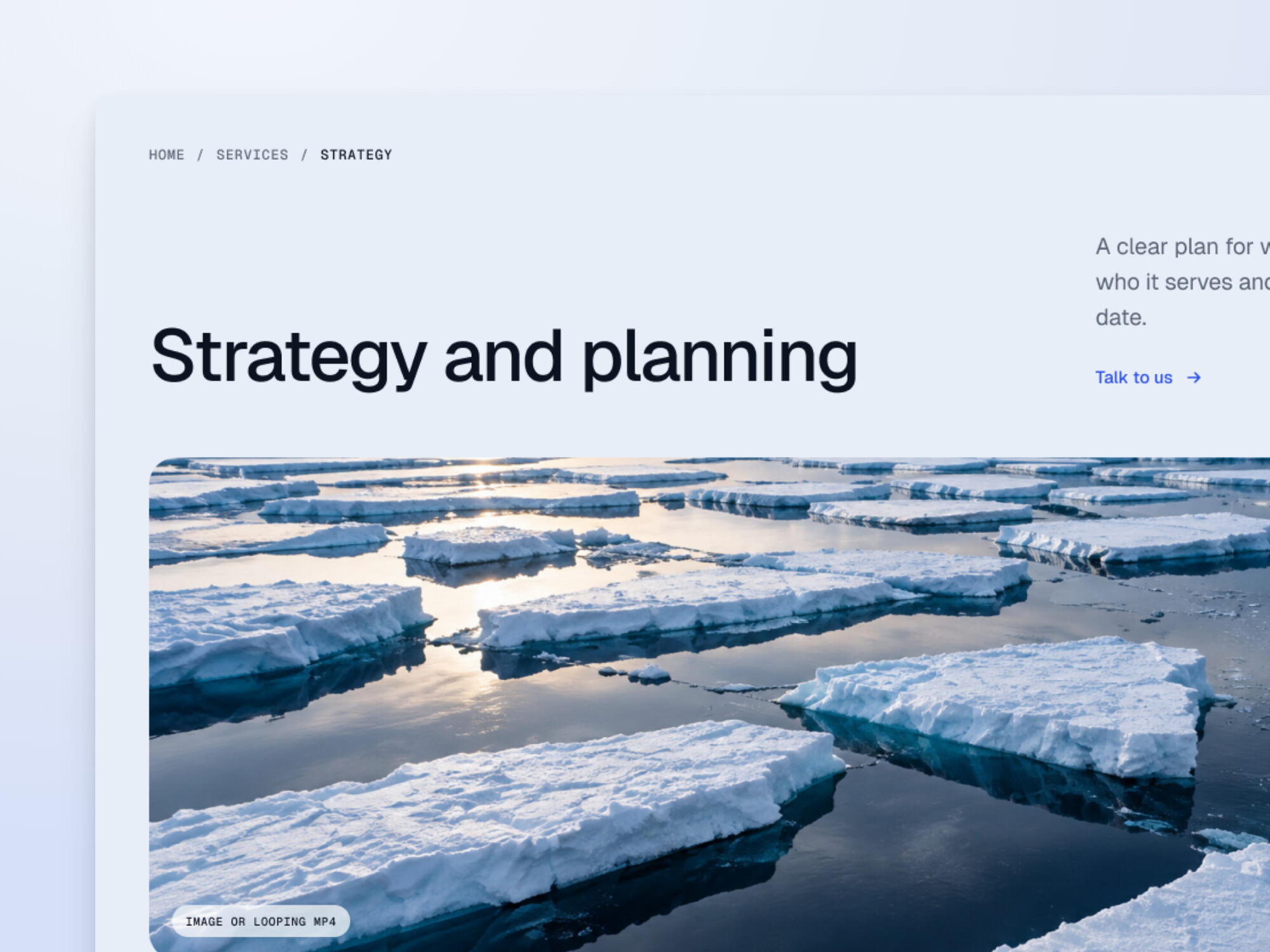
The opener for every inner page: title, intro, breadcrumb and optional image, on a light or dark background.
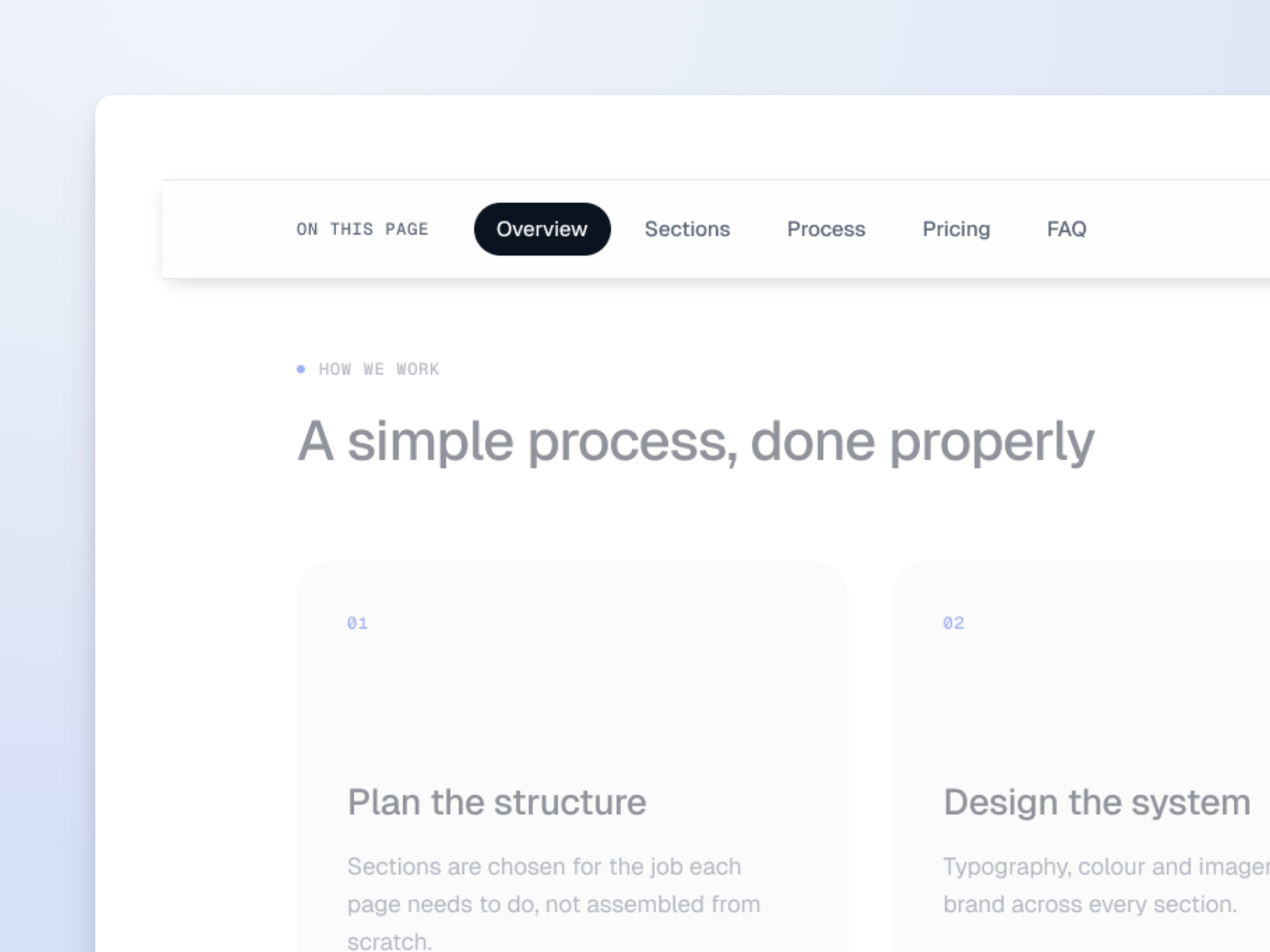
A sticky bar that links to each part of a long page and highlights where the reader is. It builds itself from the page’s blocks.
Storytelling
Blocks for explaining what you do, with room for long-form writing, imagery and video.
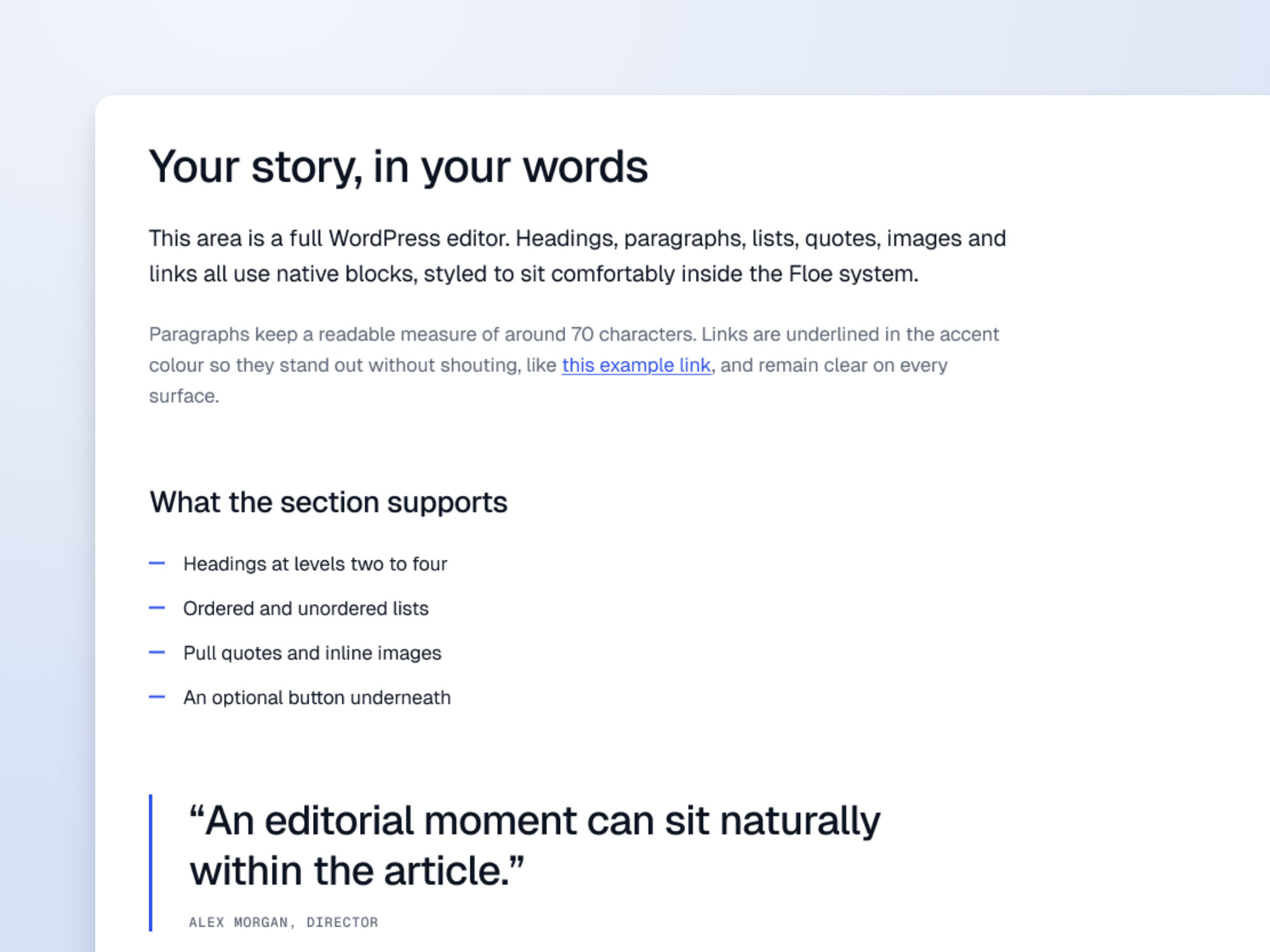
A comfortable reading column for long-form copy, with headings, lists, quotes, images and tables.
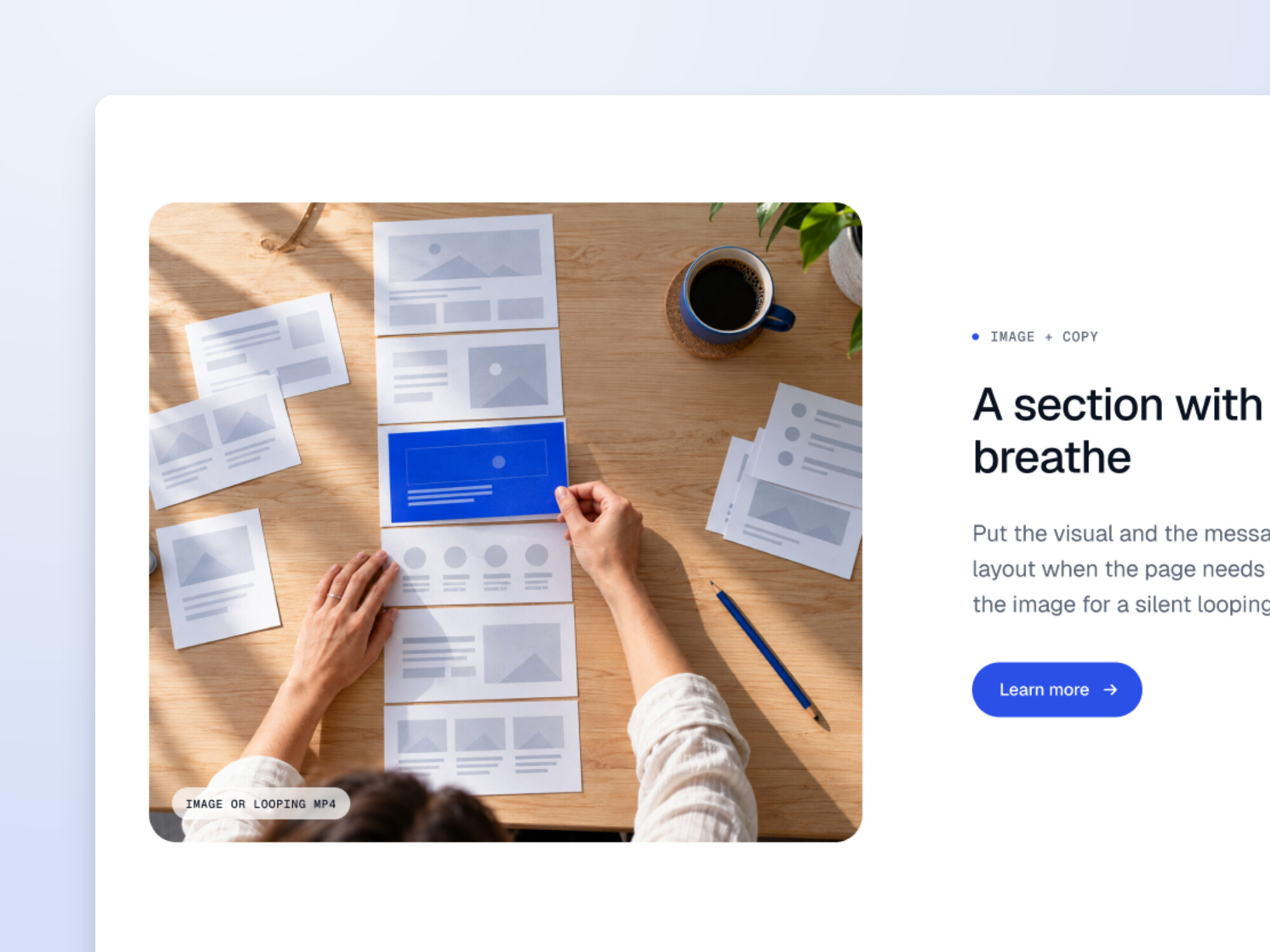
An image or looping video beside a short story and an action. Swap sides to keep a long page moving.
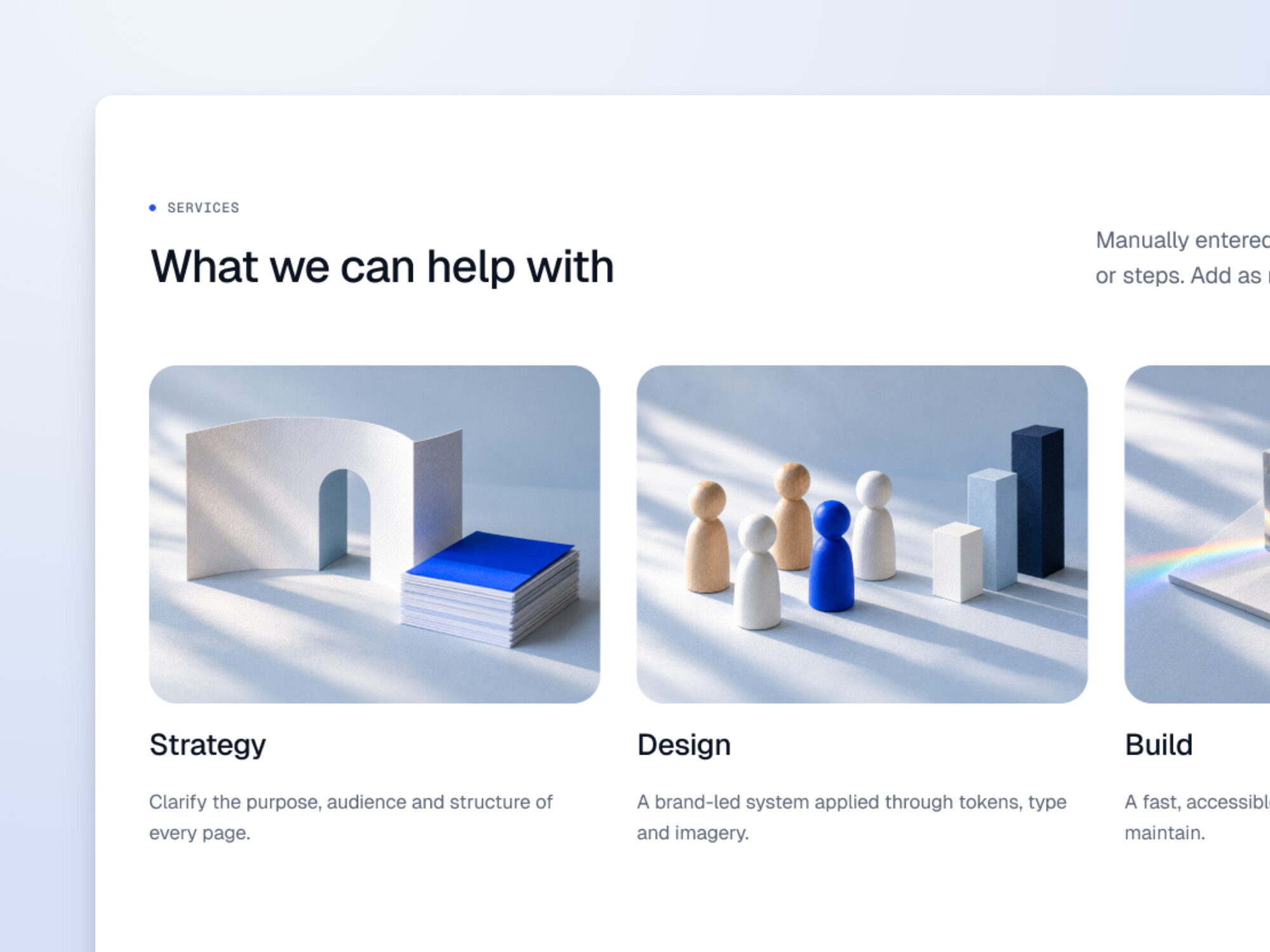
A grid of services, benefits or ideas, as numbered cards, cards with an icon, or cards with an image each.
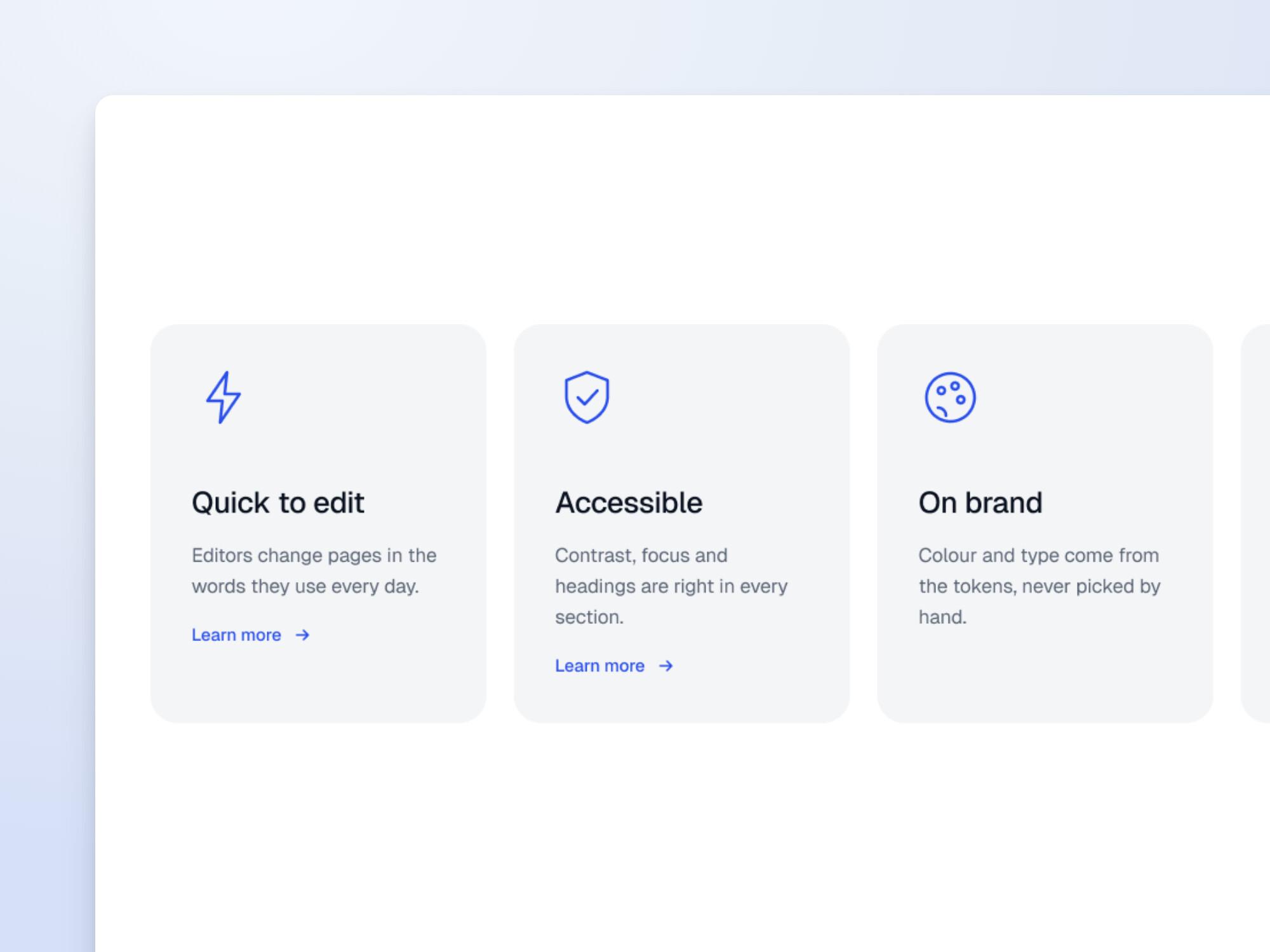
Services or benefits with an icon each, two to four across. It’s Cards with the Icon style.
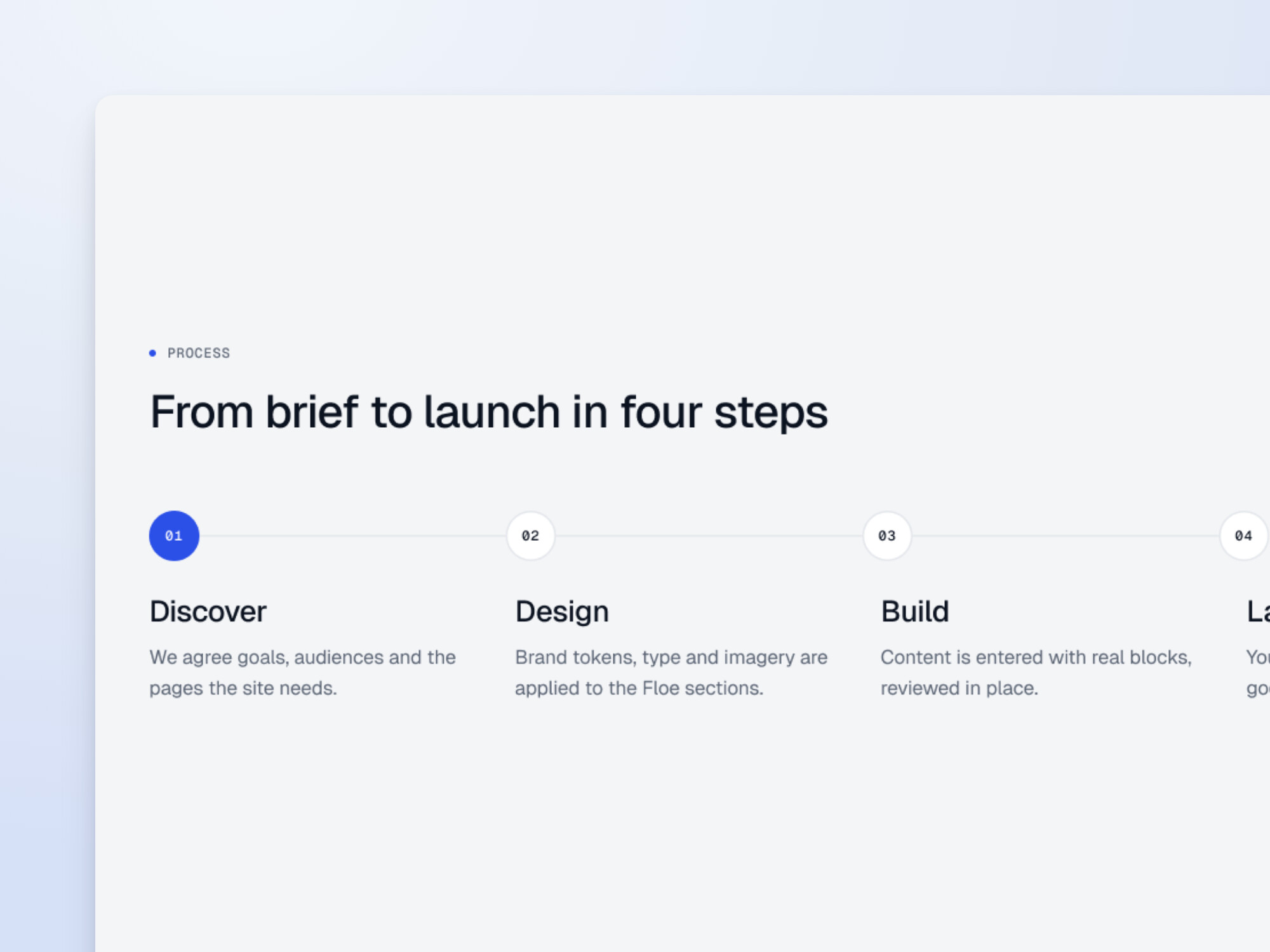
Three to five connected, numbered steps that show how you work, from first call to launch.
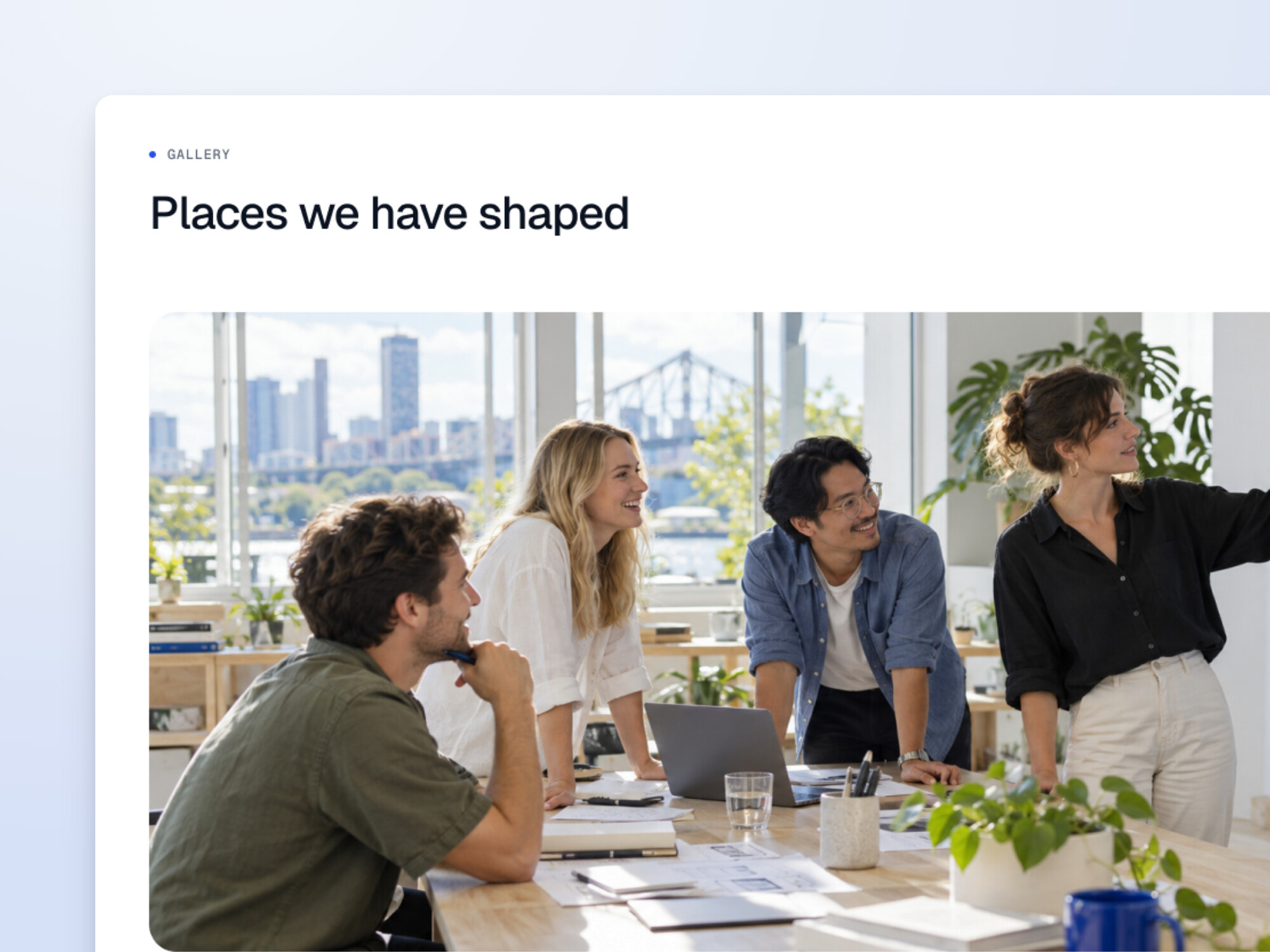
Rows of one, two or three images or looping videos for galleries, projects and places.
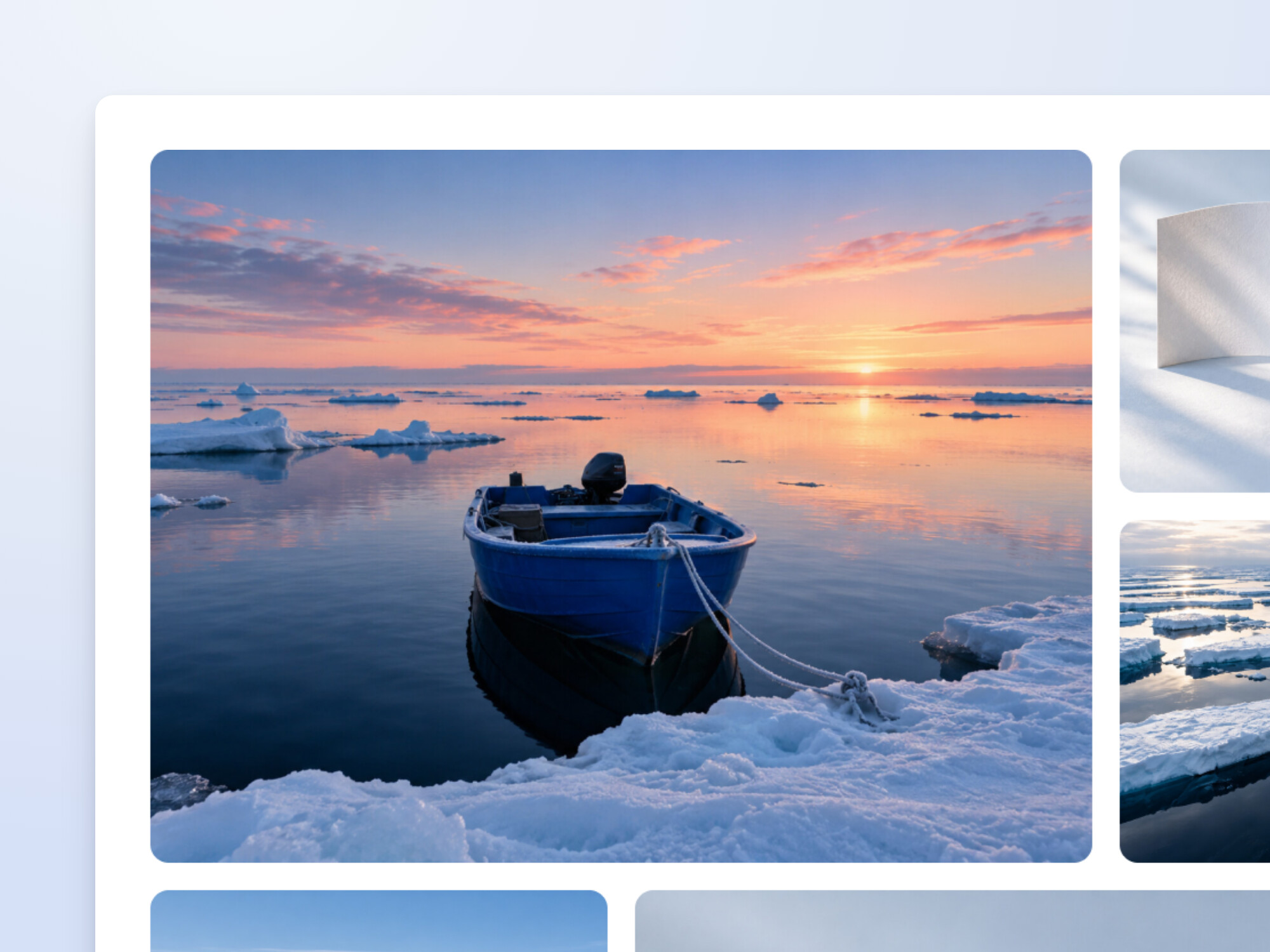
Images from the media library as a grid, a mosaic or a masonry layout. Each opens full screen, where visitors can step through them all.
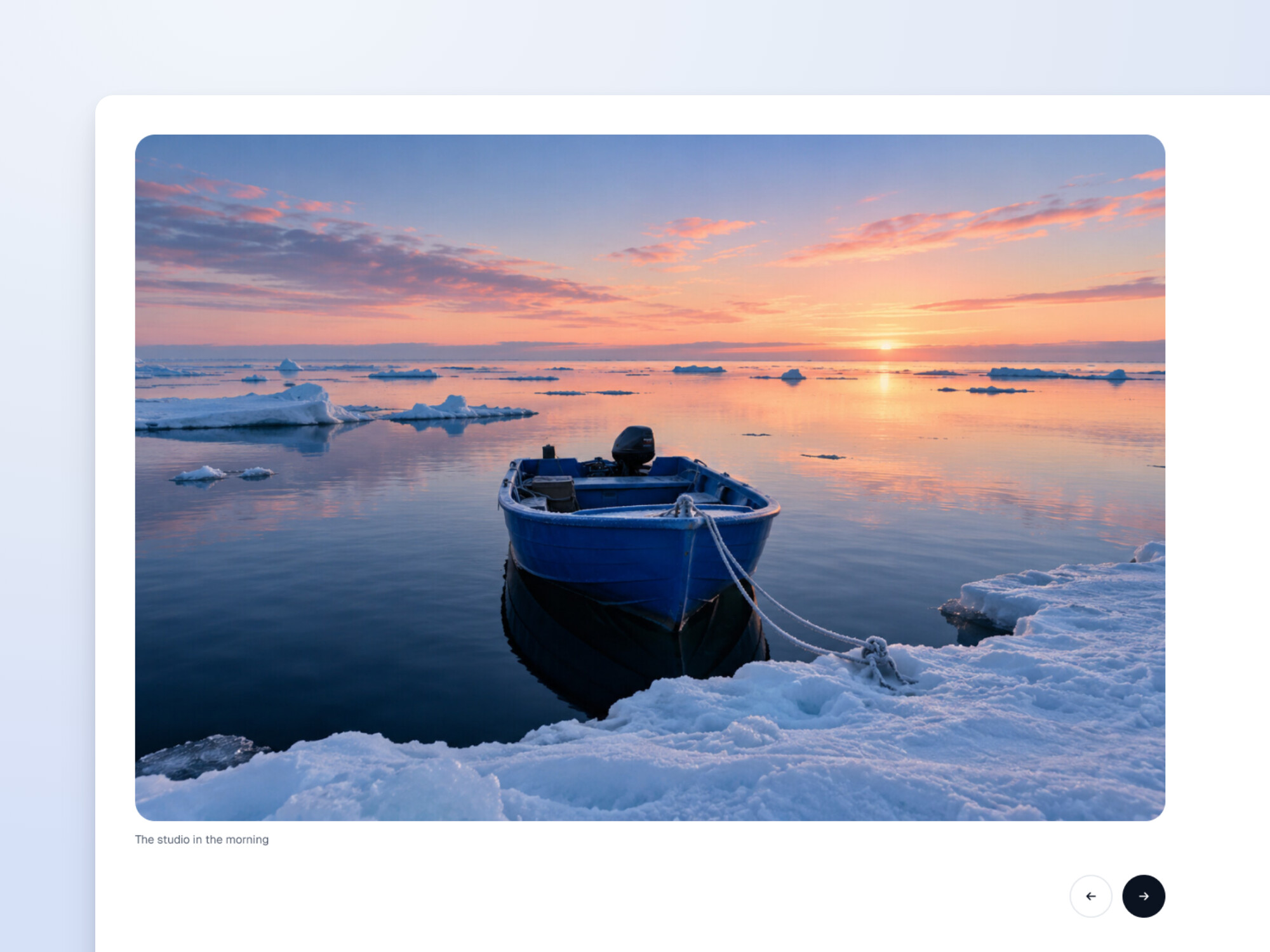
Large images or looping videos one at a time, with captions, previous and next buttons, and swipe on phones.
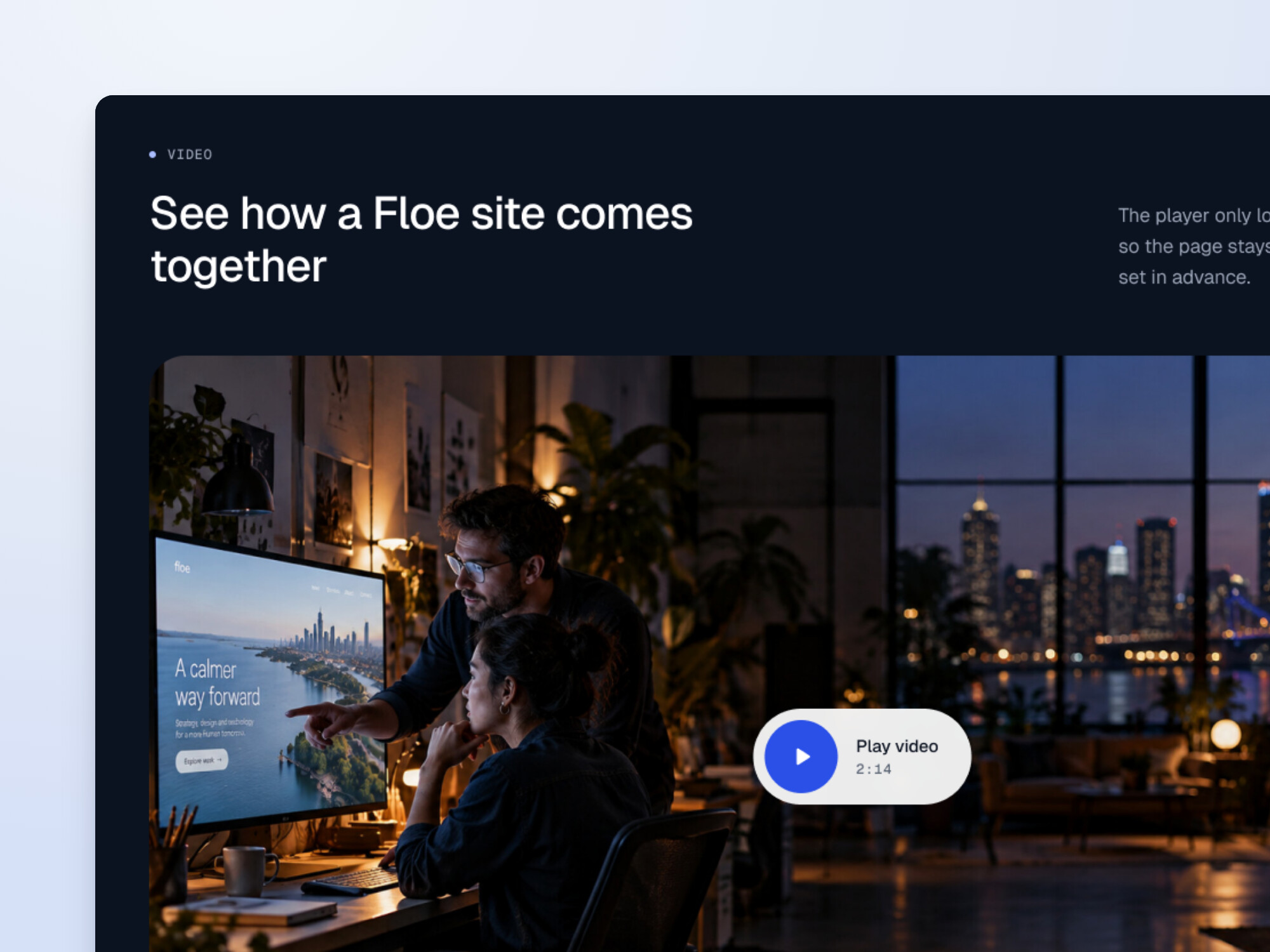
Your YouTube video behind a cover image and play button. The player only loads when someone presses play.
Proof
Figures, names and kind words from the people you work with, presented with the same care as everything else.
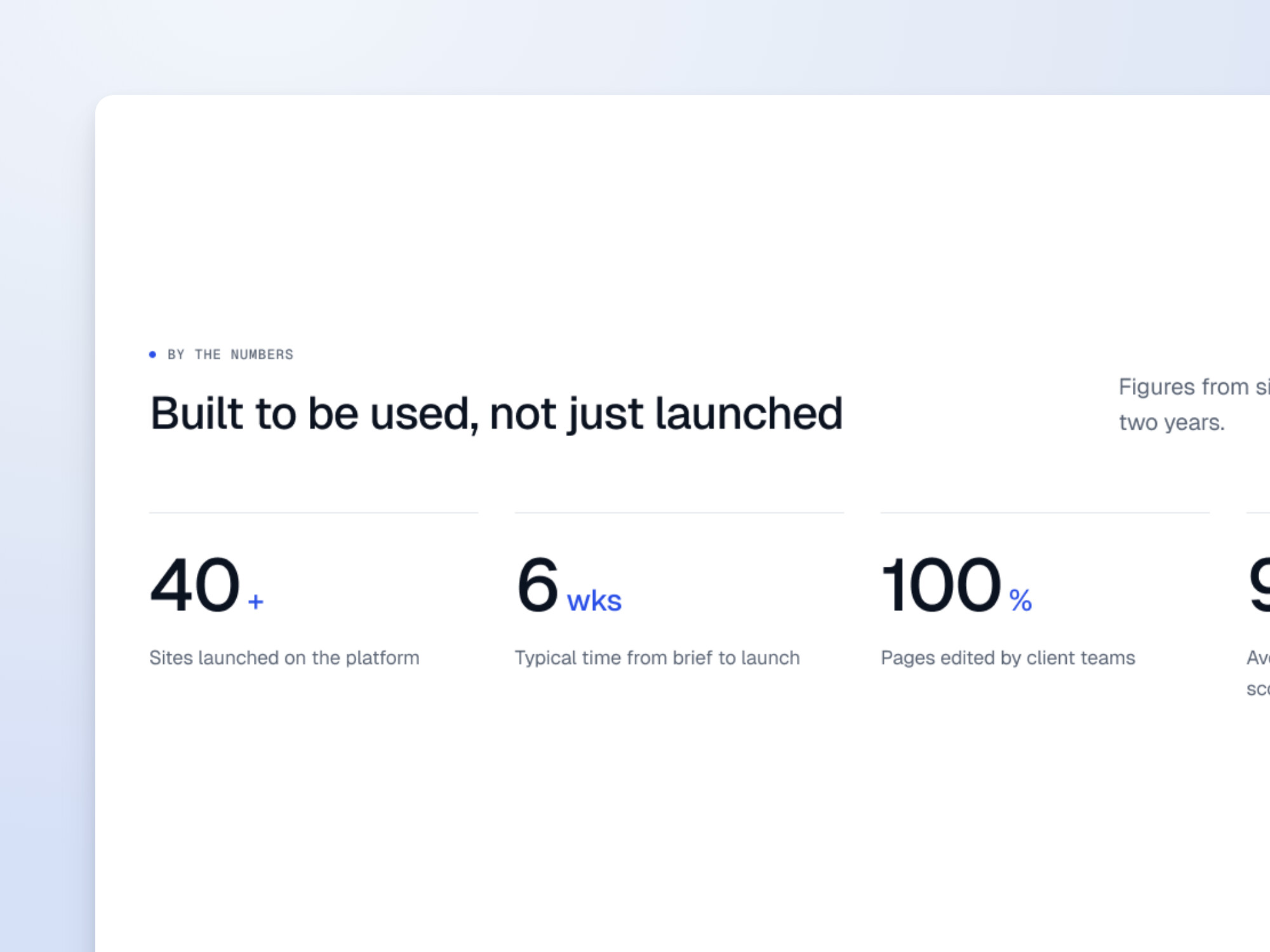
Two to four headline figures with a short label each, with the option to count up as they come into view.
The organisations you work with, in one calm, even row, or scrolling past as a ticker.
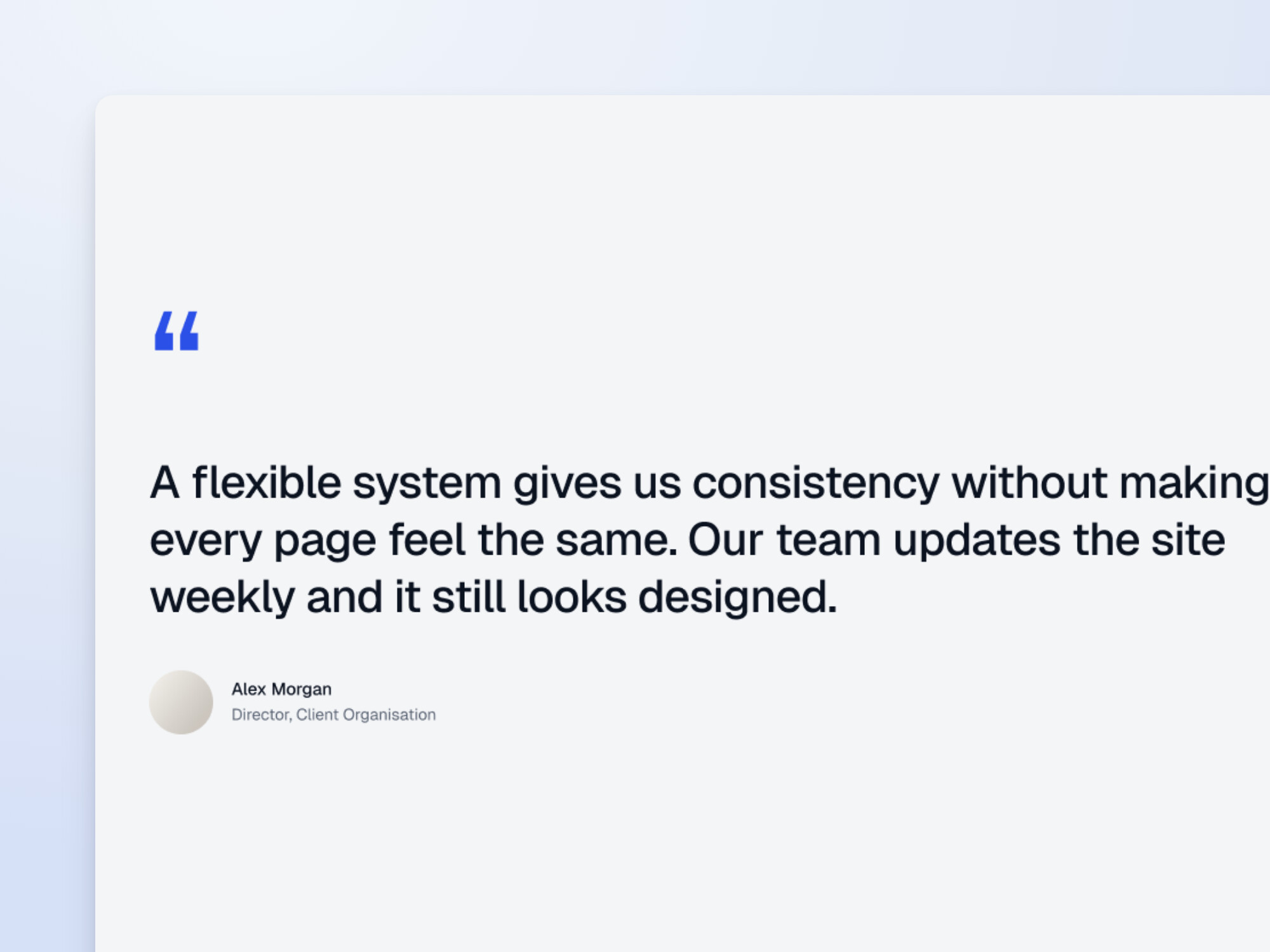
One longer quote given the room of an editorial pull quote, with the person’s name, role and photo.
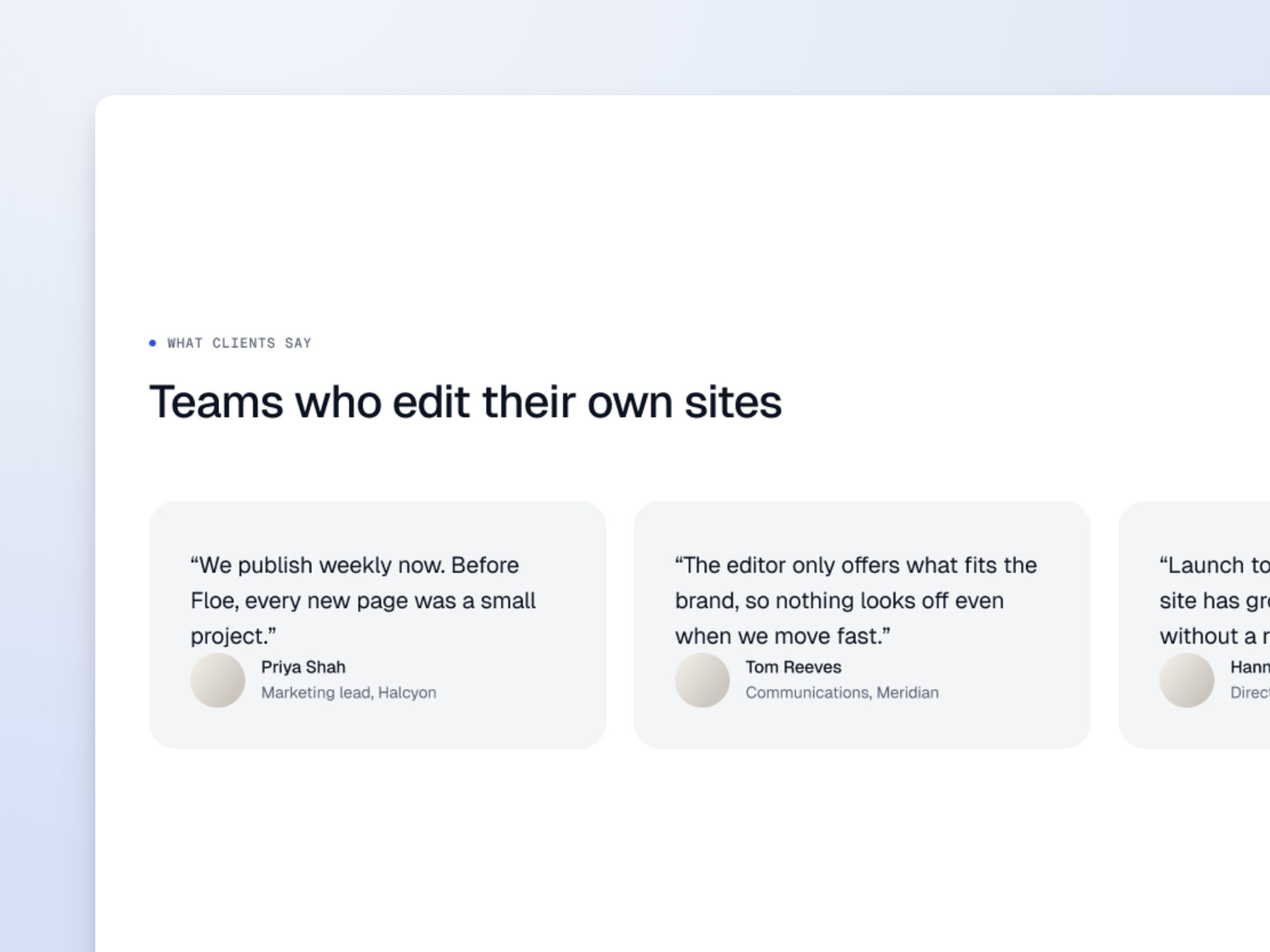
Several short quotes as cards: a grid for up to three, and a slider for more.
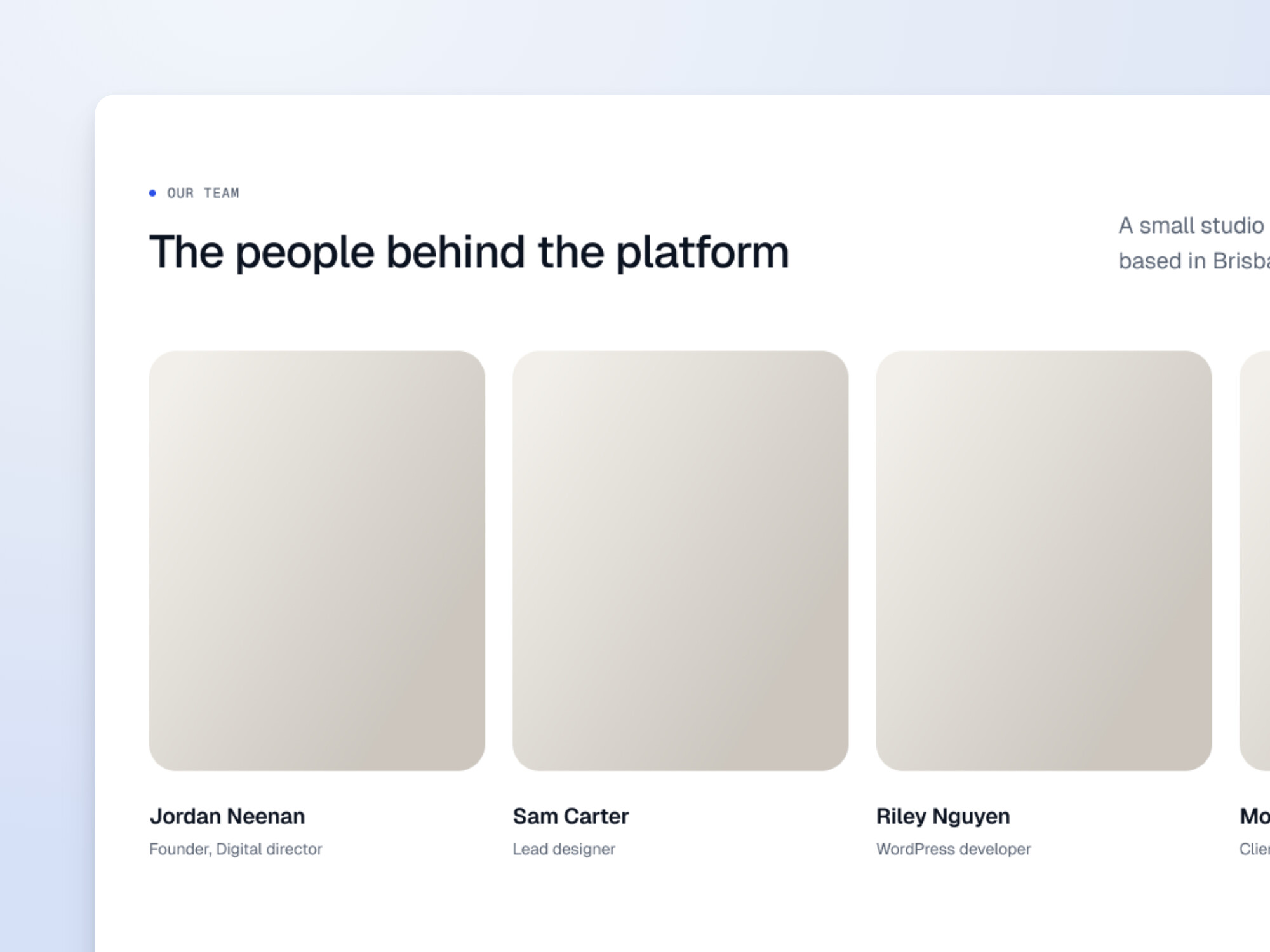
The people behind the work, with a portrait, name and role for each.
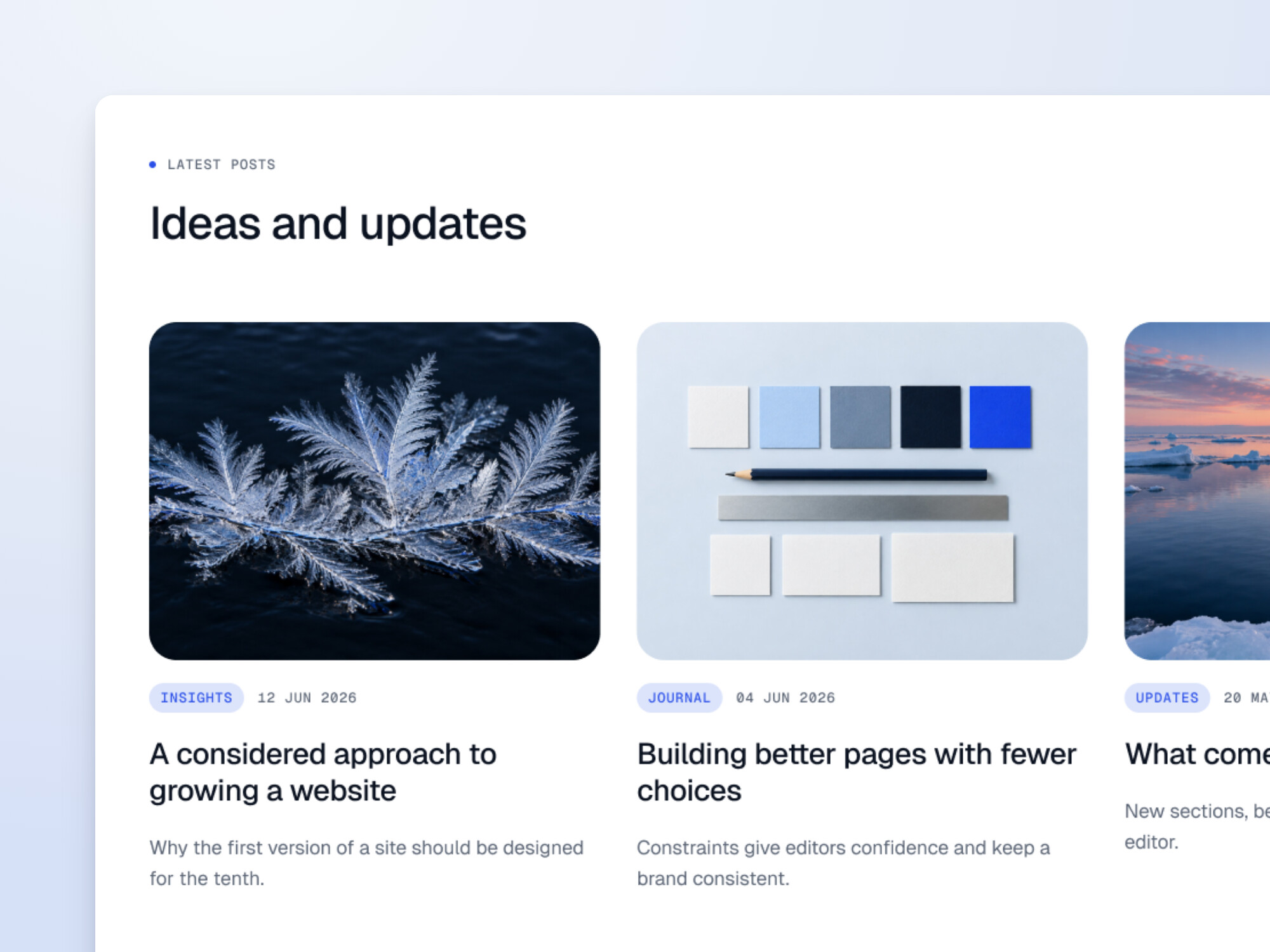
Your latest news, articles or case studies with filters and load more, or a hand-picked selection.
Details
Clear, structured blocks for the details people look for before they get in touch.
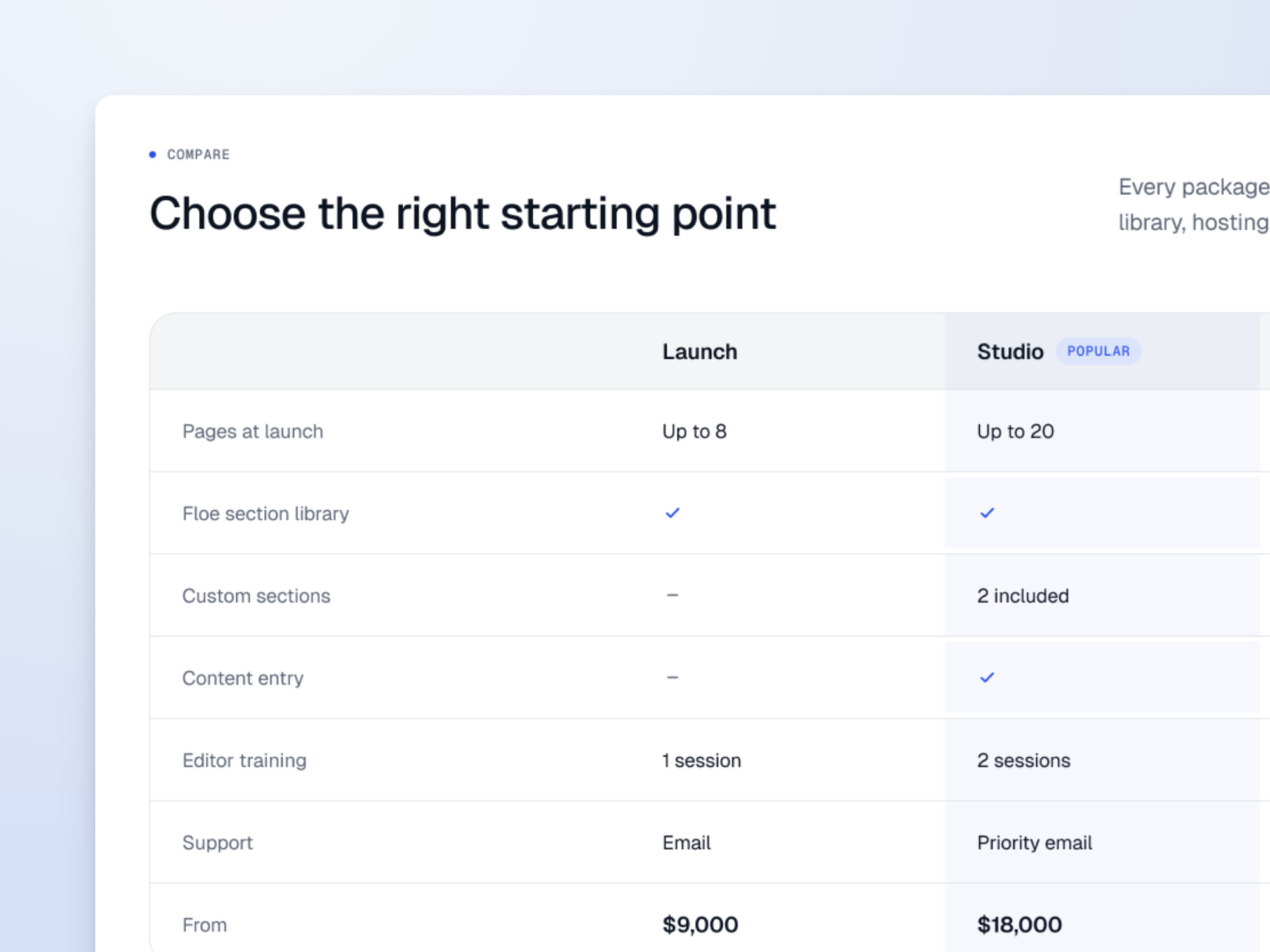
Compare packages or features side by side, with a highlighted column and clear ticks and dashes.
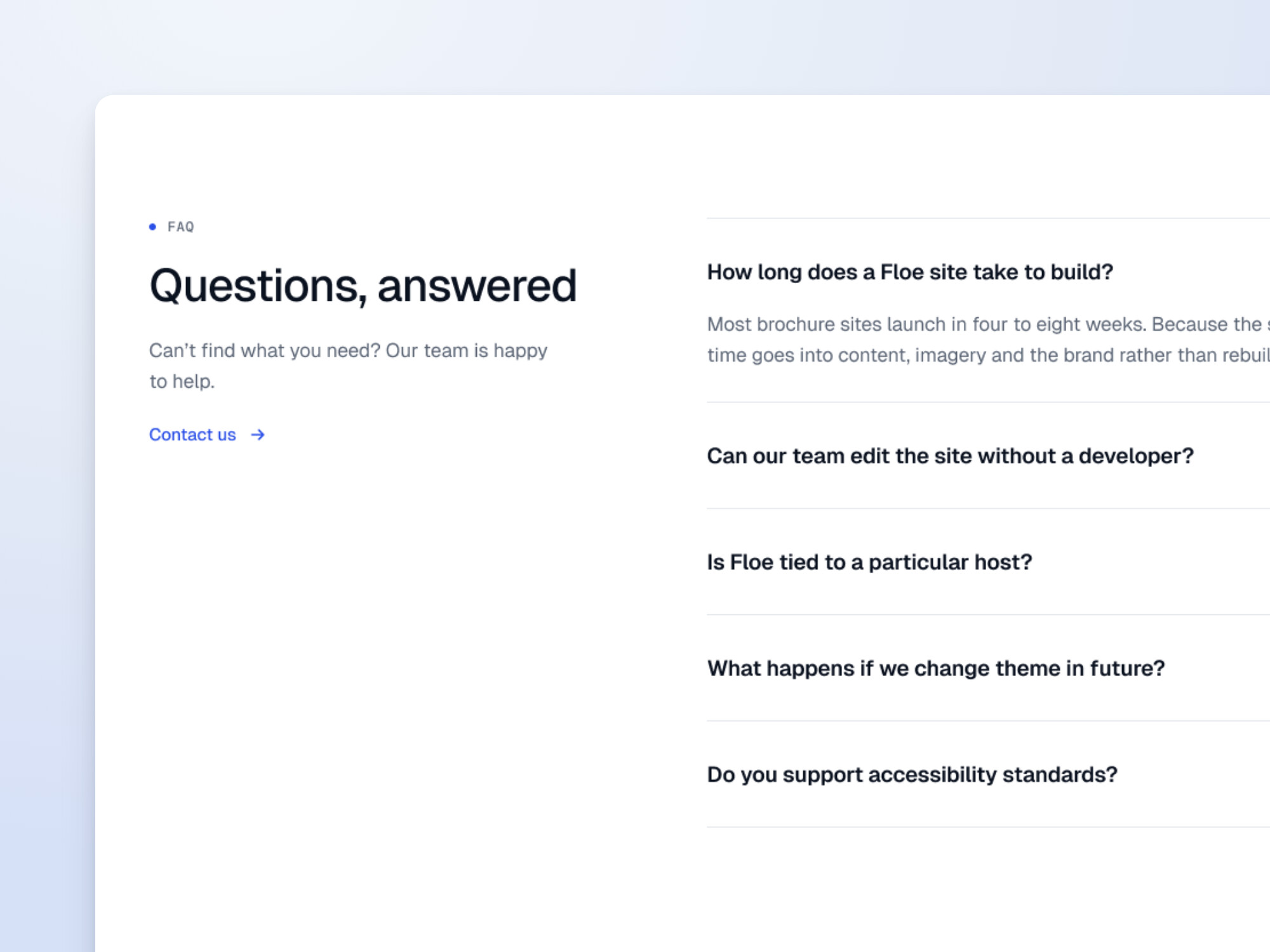
Questions and answers that open one at a time, with structured data that helps search engines understand them.
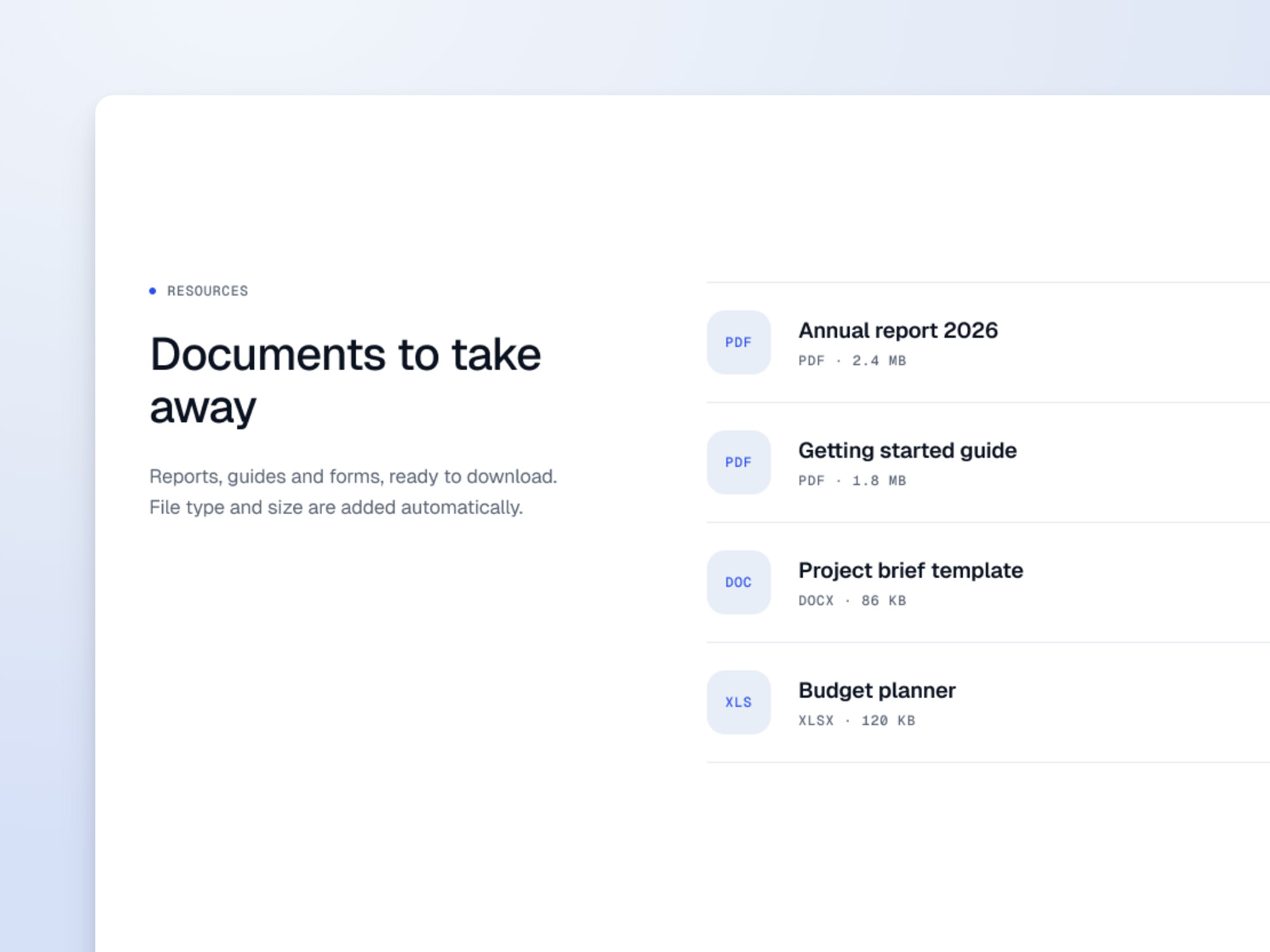
Reports, guides and forms ready to download, with the file type and size added automatically.
Conversion
Blocks that turn interest into enquiries and sign-ups.
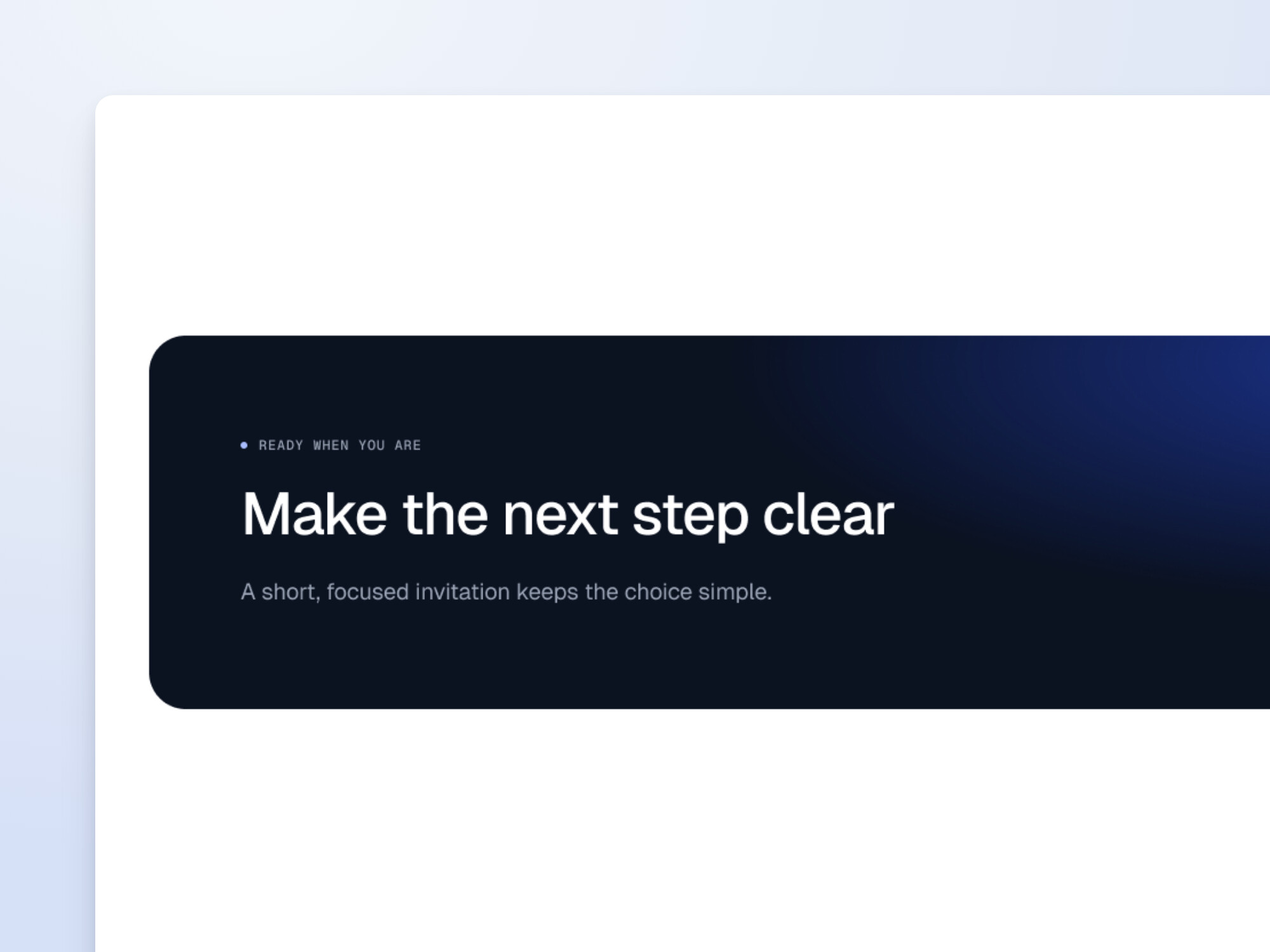
One to four focused invitations to act, as a wide banner or panels side by side in dark, blue or light.
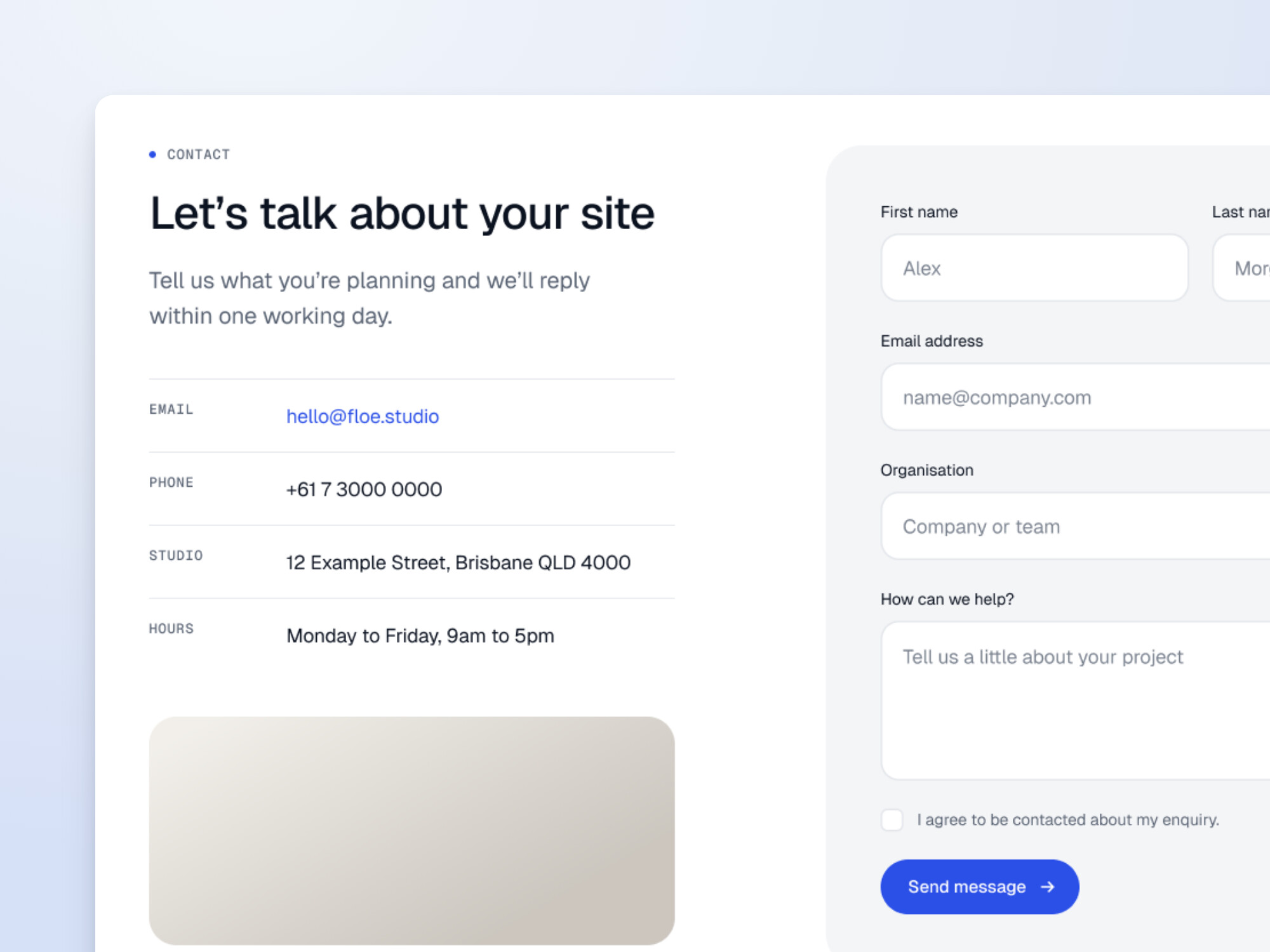
Contact details, an optional map and a built-in enquiry form. Every enquiry is saved in WordPress and emailed to you.
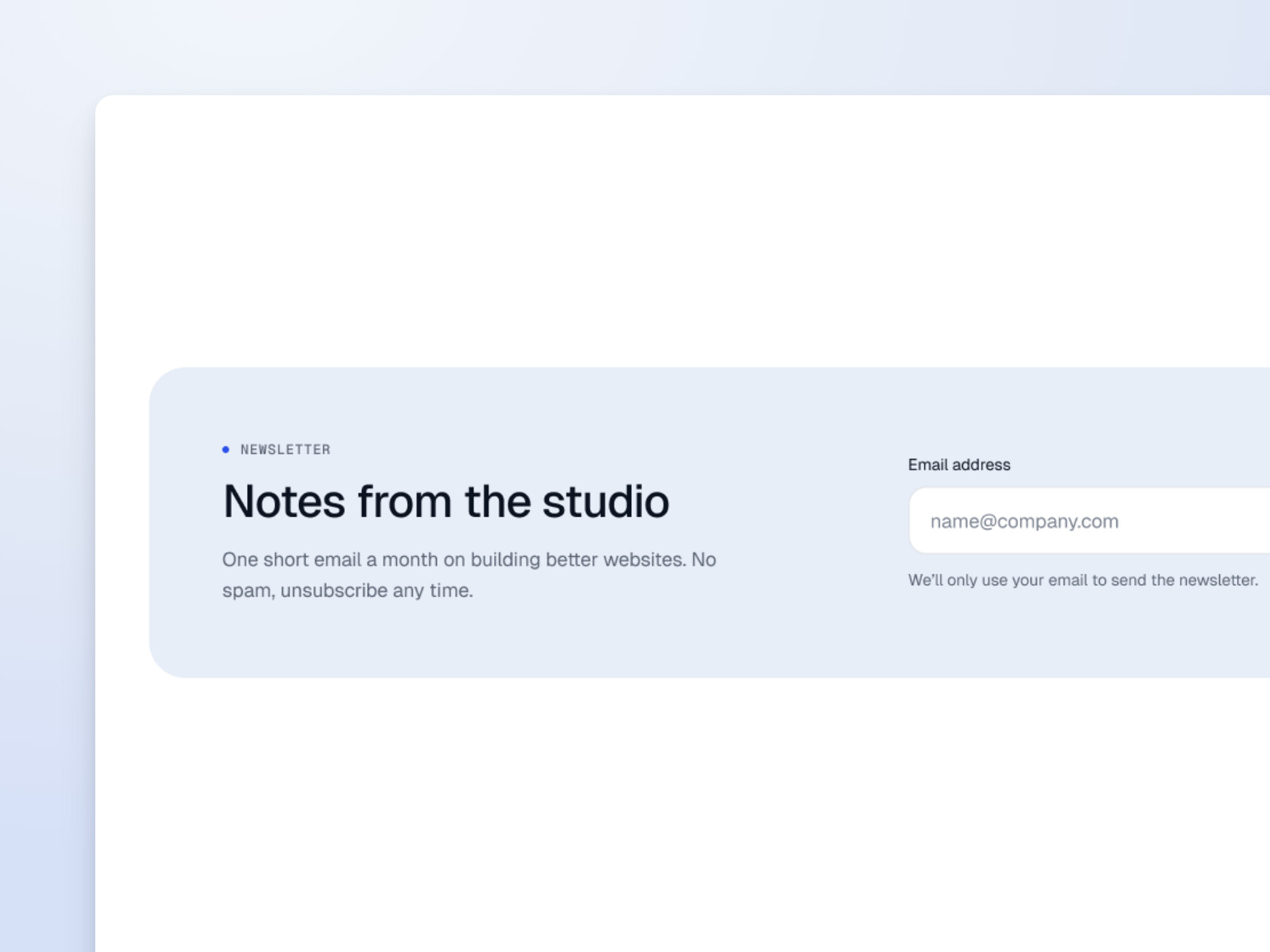
A signup panel for your mailing list, or a slimmer call to action when there’s no form.